TL;DR
IT onboarding for remote employees has four phases: pre-hire preparation (T-14 days), device logistics (T-7 to T-1), day-one setup, and post-onboarding. The most common failure is Phase 2, logistics, particularly for international hires where customs delays, missing packaging, and poor lead times cause day-one failures. This checklist covers every step, who owns it, and when it needs to happen.
Remote employees waiting for their laptop on their first day is still one of the most common onboarding failures in 2026. Not because companies don't care. Because the IT onboarding process hasn't been designed for what remote work actually requires.
When an employee is starting in the same city as your office, IT onboarding is straightforward. When they're starting in a different country, sometimes on a different continent, the logistics phase becomes a project in its own right. And most IT checklists weren't written for that reality.
This checklist is designed specifically for distributed teams. It covers every step from the moment HR confirms a new hire to the moment IT can close out the onboarding task. It includes timing, ownership, and the specific international considerations that cause things to go wrong.
What Is IT Onboarding for Remote Employees?
IT onboarding for remote employees is the process of equipping a new hire with the technology, access, and support they need to be productive, before, on, and after their first day. It differs from office onboarding in one critical way: the physical device cannot be handed over in person. It must be shipped, often across international borders, before the employee starts.
Done well, IT onboarding is invisible to the new hire. They receive their device, log in, and get to work. Done poorly, it creates a first impression that's hard to recover from.
The Complete IT Onboarding Checklist for Remote Employees
The checklist is organised into four phases. Each phase includes the specific steps, the timing relative to the employee's start date, and who is responsible.
1. Pre-Hire Preparation
T-14 to T-7 days before start date
| STEP | ACTION | OWNER | NOTES |
|---|---|---|---|
| 1.1 | HR notifies IT of new hire | HR | Must include: name, start date, job title, shipping address, country, and time zone. 14 days minimum lead time for international hires. |
| 1.2 | Confirm device specification | IT | Does the role require a specific spec? Mac vs Windows? Any pre-installed software requirements? Confirm before ordering or staging. |
| 1.3 | Check device inventory | IT | Is there a redeployable device available (recently returned, wiped, and reconfigured)? If yes, prioritise over new purchase. |
| 1.4 | Place device order or initiate staging | IT | If a device needs to be shipped, place the order via your logistics provider at this stage. For international shipments, 5–7 business days transit + customs clearance time must be factored in. |
| 1.5 | Check country-specific import rules | IT | Some countries (Brazil, India, certain ME markets) have complex IT import regulations. Verify customs requirements for the destination country before shipping. |
| 1.6 | Enrol device in MDM (pre-provisioning) | IT | If using Apple DEP, Windows Autopilot, or similar, enrol the device serial number in your MDM before it ships so configuration happens automatically on first login. |
| 1.7 | Create user accounts and email | IT | Create email address, Google/Microsoft account, and any core SaaS accounts. Do not send credentials until T-1 to avoid inactive accounts sitting open. |
| 1.8 | Send welcome communication to new hire | IT + HR | Confirm the device is on its way, provide an estimated delivery date, and tell them what to expect on day one. Reduces anxiety and support tickets. |
On device redeployment: Before ordering a new device, check whether a recently retrieved device is available for redeployment. A refurbished device costs £0 in hardware vs £800–£2,000 for a new one. Read more about device redeployment →
2. Device Logistics
T-7 to T-1 days before start date
| STEP | ACTION | OWNER | NOTES |
|---|---|---|---|
| 2.1 | Confirm shipping address with new hire | IT | Send a direct message (not just email) to the new hire to confirm their exact delivery address, including apartment/unit number and any access instructions for the courier. |
| 2.2 | Prepare customs documentation | IT | Commercial invoice with HS code 8471.30, declared value (full replacement value, never understate), country of origin, sender/recipient details. If using Raal, this is handled automatically. |
| 2.3 | Ship device via appropriate carrier | IT | Use DDP (Delivered Duty Paid) shipping terms. The company covers import duties, not the employee. Select a carrier with customs clearance capability for the destination country. |
| 2.4 | Verify insurance coverage | IT | Ensure the shipment is insured for full replacement value. Standard courier liability is typically £50-£100, insufficient for a £1,000+ laptop. |
| 2.5 | Share tracking information with new hire | IT | Send the tracking link as soon as available. This builds confidence and reduces support tickets asking "where is my laptop?" |
| 2.6 | Monitor shipment and customs status | IT | Check for customs holds, failed delivery attempts, or address issues. Don't assume the shipment will arrive without any intervention required. |
| 2.7 | Confirm delivery | IT | Confirm the device has been received by the employee 1–2 days before the start date. If it hasn't arrived, you still have time to escalate with the carrier or arrange an alternative. |
How Raal fits here: Steps 2.2-2.6 are entirely handled by Raal for every shipment: customs documentation, carrier coordination, insurance, employee tracking updates, and proactive issue resolution. IT places the order in 5 minutes; Raal does the rest. Get a live estimate →
→ Related: The Day-One Device Problem: Why Remote Hires Are Still Waiting for Laptops in 2026
3. Day-One IT Setup
Start date (Day 0)
| STEP | ACTION | OWNER | NOTES |
|---|---|---|---|
| 3.1 | Send login credentials | IT | Send via a secure channel (not email before the account is active). Include the email address, temporary password, and instructions for first login. |
| 3.2 | Confirm MDM enrollment | IT | Verify the device has enrolled in MDM on first boot. If it hasn't, have a troubleshooting guide ready to walk the employee through manual enrollment. |
| 3.3 | Walk through security baseline | IT | Confirm: password set, screen lock enabled, encryption active (FileVault/BitLocker), MFA enrolled for core accounts. A quick async video walkthrough works well for distributed teams. |
| 3.4 | Provision SaaS access | IT | Add the employee to all required SaaS tools. Use your HRIS-to-SSO provisioning flow if available; otherwise provision manually based on the role's access template. |
| 3.5 | Provide IT support contact | IT | Make it easy to reach IT. A new hire in a different time zone who can't log in and doesn't know who to call will have a terrible first day. Send a direct Slack/Teams handle, not just a help desk URL. |
| 3.6 | Check in at end of day | IT | A brief "everything working okay?" message at the end of the first day catches issues before they fester and shows the employee that IT is responsive. |
4. Post-Onboarding
Day 3–14 after start
| STEP | ACTION | OWNER | NOTES |
|---|---|---|---|
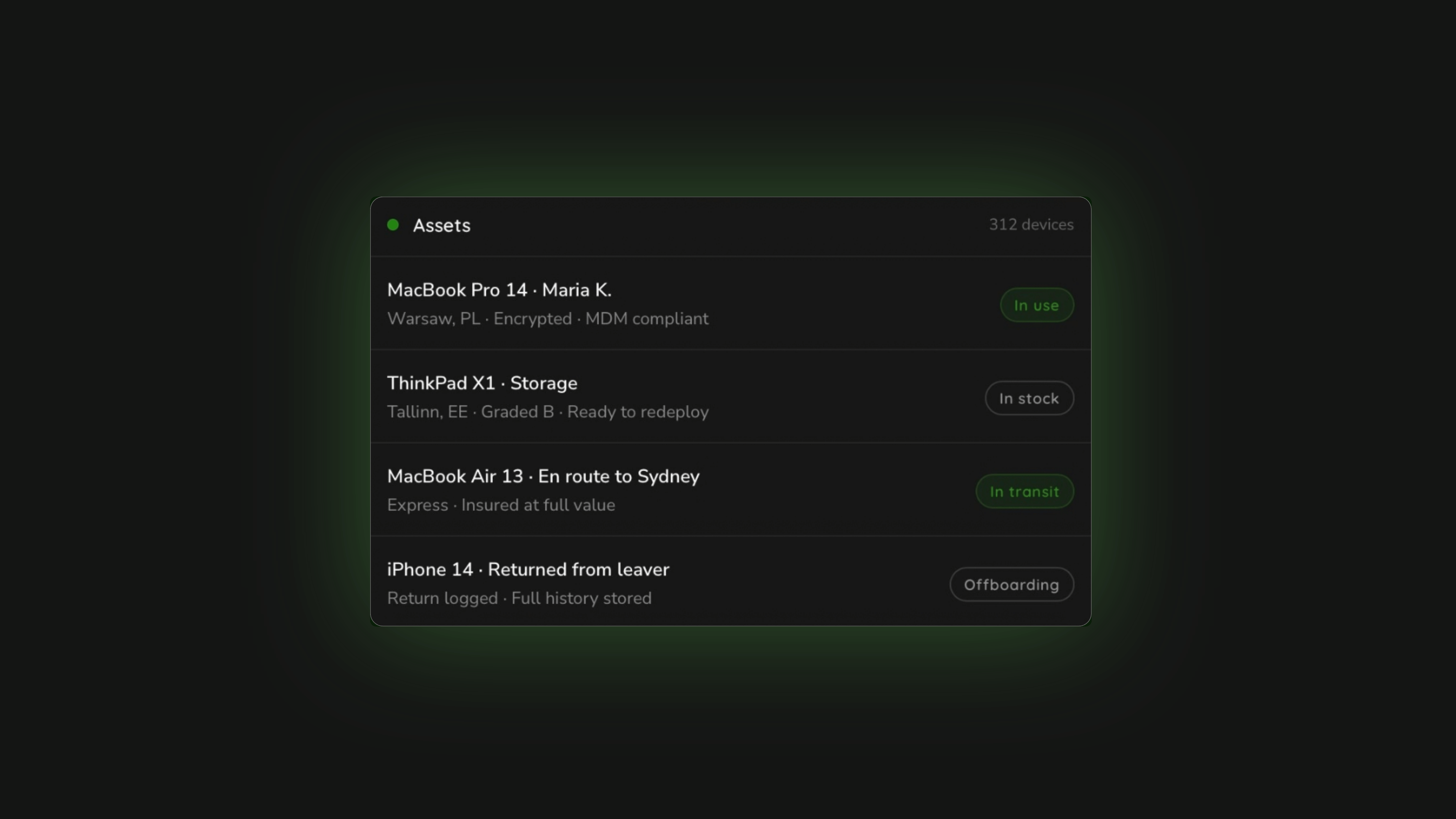
| 4.1 | Register device in asset management system | IT | Log: device make/model, serial number, assigned employee, delivery date, country, value. This is the data you'll need at offboarding. |
| 4.2 | Send equipment policy for acknowledgment | IT + HR | The employee should sign (electronically) an acknowledgment of the equipment policy, ideally within the first two weeks. This protects the company at offboarding. |
| 4.3 | Confirm peripheral needs | IT | Does the employee need a monitor, docking station, or external keyboard? Address this proactively rather than waiting for a ticket. Budget-approved peripheral packages save repeated requests. |
| 4.4 | Schedule 30-day IT check-in | IT | A brief check-in at the 30-day mark catches configuration issues, unresolved access problems, and peripheral gaps before they become productivity drags. |
→ Related: IT Device Management Checklist for HR and People Ops Teams
The Most Common IT Onboarding Failures, and How to Fix Them
1. IT is notified too late
What happens: HR sends IT a "we have a new hire starting Monday, by the way" email on Wednesday. There's no time to order a device, let alone ship it internationally and clear customs.
Fix: Create a formal handoff SLA between HR and IT, at minimum 14 business days for domestic hires, 21 days for international. Automate the notification if your HRIS supports it.
2. The shipping address is wrong or incomplete
What happens: The device is sent to the address on file from the application, which hasn't been updated since the new hire moved six months ago. The package is delivered to the wrong address and the tracking shows "delivered."
Fix: Confirm the delivery address directly with the employee via a personal message (not email, which may not be set up yet). Do this at T-7 days, not T-1.
3. No customs preparation for international hires
What happens: The shipment is sent via FedEx with a vague invoice description. It gets held at customs in Germany. The new hire's start date comes and goes. IT scrambles to explain to the new hire's manager why there's no laptop.
Fix: Prepare customs documentation correctly for every international shipment: HS code, declared value, country of origin, full sender/recipient details. Or use a logistics partner that handles this.
4. No employee communication during transit
What happens: The device is shipped and IT moves on to the next task. The new hire doesn't know if a device is coming, when, or what to do when it arrives. They spend their first day waiting with no guidance.
Fix: Send a "your device is on its way" message with the tracking link and a clear "here's what to do when it arrives" note. One proactive email eliminates most onboarding IT support tickets.
5. Day-one tech failures with no support available
What happens: The laptop arrives, but the employee can't log in. They send an email to the IT help desk. IT is in a different time zone. They wait four hours. Their first day of work is mostly waiting.
Fix: For new hires in non-overlapping time zones, provide async onboarding guides (video walkthrough of first-login process), and give the employee a direct contact they can reach at their local working hours.
→ Related: The Day-One Device Problem: Why Remote Hires Are Still Waiting for Laptops in 2026
How Long Should IT Onboarding Take for a Remote Employee?
The end-to-end IT onboarding process, from HR notifying IT to the employee being fully set up, should take 14-21 calendar days for international hires. The breakdown is roughly:
- Days 1–3: Device preparation and staging
- Days 4–10: International shipping and customs clearance
- Day 0 (Start date): Account provisioning and day-one setup
- Days 1–14 post-start: Asset registration and policy acknowledgment
The logistics phase (days 4–10) is where most delays occur. For high-friction countries (Brazil, India), add at least 10 business days for customs clearance on top of transit time. Always build buffer into your timelines. A laptop that arrives 3 days early is fine; one that arrives 3 days late is a crisis.
IT Onboarding for Employees in Multiple Countries Simultaneously
Companies hiring in multiple countries at once face a compounded logistics problem. Each country has different customs requirements, different preferred couriers, different import duty rates, and potentially different public holidays that affect delivery.
Managing this manually, looking up duty rates for each country, sourcing couriers, preparing country-specific invoices, is the kind of work that eats three hours per device. The practical alternative is to use a logistics service that handles country-specific requirements as a matter of course, so IT can focus on the access and configuration work rather than the shipping operations.
→ Related: Moving IT Devices Across Borders: 21 Countries with the Toughest Regulations
→ Complete the lifecycle: IT Offboarding Process for Distributed Teams
→ Related: Device Redeployment: Closing the Loop After Offboarding
FAQ
What is included in IT onboarding for remote employees?
IT onboarding for remote employees includes: device provisioning (ordering, staging, and shipping a laptop to the employee's location), customs clearance for international deliveries, MDM enrollment, account and SaaS access provisioning, security baseline configuration, and asset registration. For international hires, the logistics phase is the most complex and the most common source of delays.
How far in advance should IT be notified of a new hire?
For international hires, IT should be notified at least 14–21 business days before the start date. This allows time for device preparation, international shipping, and customs clearance. For domestic hires in the same country, 7–10 business days is typically sufficient. The exact lead time depends on the destination country. Some markets (Brazil, India) require longer.
What do you need to ship a laptop to a new hire internationally?
To ship a laptop internationally to a new employee, you need: a commercial invoice with HS code 8471.30, the full replacement value declared, the employee's complete shipping address, a DDP shipping agreement (so the employee doesn't receive unexpected duty invoices), appropriate transit packaging, and full replacement value insurance. A logistics service like Raal handles all of this.
What happens to the laptop when an employee leaves?
When an employee leaves, IT should initiate a device retrieval process: sending packaging to the employee's address, coordinating a courier pickup, and managing customs for the return shipment. The retrieved device should be wiped, assessed, and either redeployed to the next hire or decommissioned. Read the full offboarding guide →
What is the best IT onboarding checklist for remote employees?
The best IT onboarding checklist for remote employees is one that covers all four phases: pre-hire preparation (T-14 days), device logistics (T-7 to T-1), day-one setup, and post-onboarding. It should assign ownership for each step (IT vs HR vs both), include timing relative to the start date, and address international shipping specifically. Most generic checklists skip the logistics phase entirely, which is exactly where things go wrong.
About Raal: Raal handles Phase 2 of this checklist, device logistics, for global teams across 150+ countries. Packaging, customs, insurance, carrier coordination, and employee communication are all included. IT places an order in 5 minutes; Raal handles the rest. Get a live estimate →