TL;DR The most common cause of IT device failures (day-one laptops not arriving, devices not retrieved at offboarding) is not a logistics problem. It is an information problem: HR knows about a hire or departure and IT does not, or finds out too late. Connecting your HRIS to your IT device workflow, whether through a native integration, an API, or a manual handoff protocol, is the highest-leverage fix available to most distributed IT teams.
The most common IT device failure is not a shipping delay. It is not a customs hold. It is not even a retrieval problem.
It is that HR forgot to tell IT.
A new hire confirmed three weeks ago. The offer letter is signed. The start date is in the system. And on Friday before Monday's start, someone mentions in passing to IT: "Oh, Priya joins Monday, she's in Singapore, she'll need a laptop."
There is no courier in the world that solves that problem in a weekend.
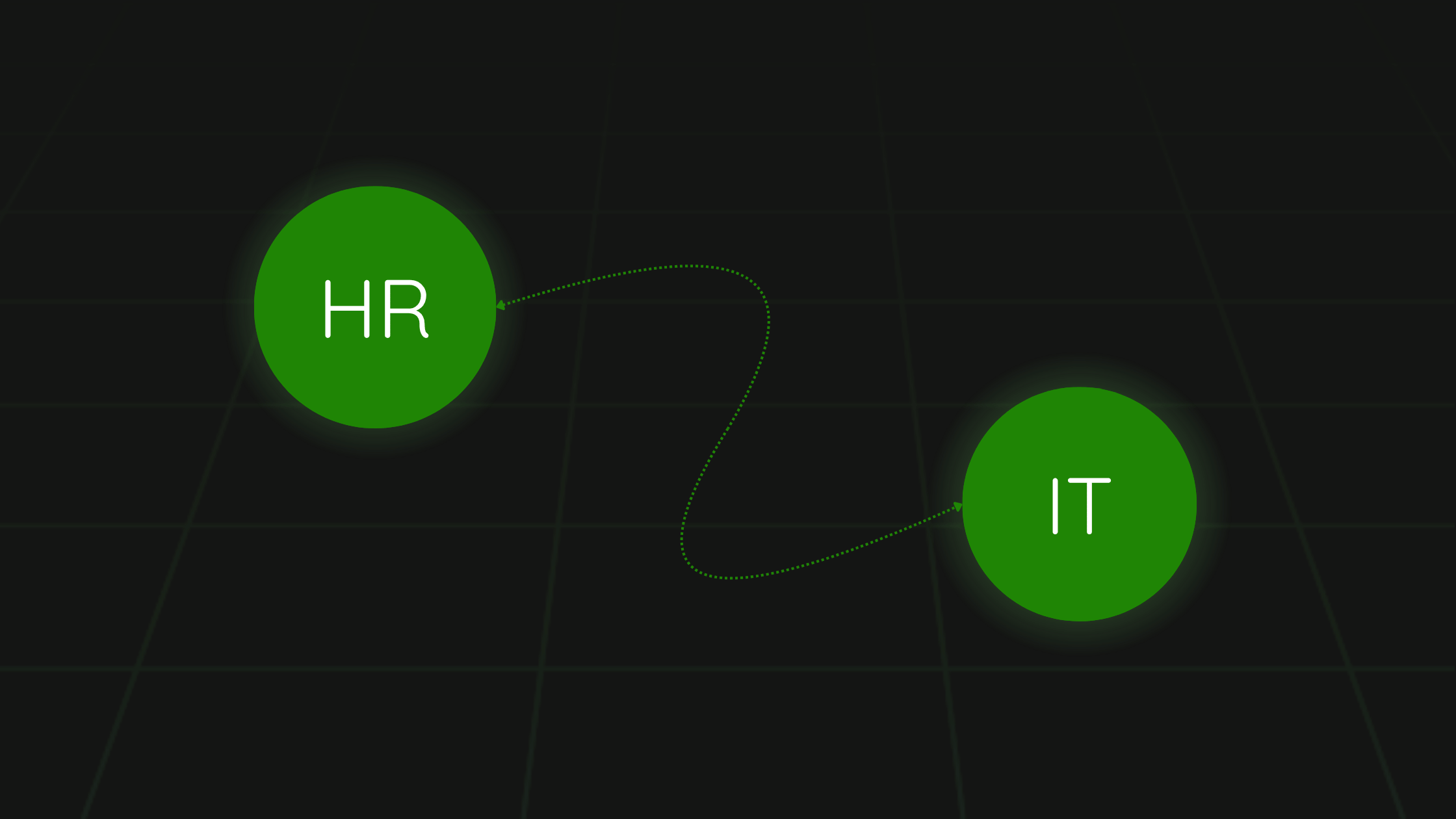
The gap between HR knowing and IT knowing is where most distributed device failures originate. This guide covers how to close it, whether you have native HRIS integrations, a simple API, or nothing more sophisticated than a shared Slack channel and a clear SLA.
Why HRIS and IT Device Management Are Usually Disconnected
HR systems and IT device systems were built by different teams, for different buyers, at different times. An HRIS like BambooHR, HiBob, or Workday is designed to manage people data: contracts, salaries, leave, performance. An ITAM tool or logistics service manages physical assets: devices, shipments, asset records.
The two systems share one critical event: someone's employment status changes. A hire confirmed, a resignation submitted, a termination processed. Every one of these events has an IT action that needs to follow within hours or days. But most systems do not automatically notify the other side when these events happen.
The result is a manual information chain that breaks constantly: someone in HR has to remember to email someone in IT, who has to remember to check the email, who has to remember that international hires need more lead time. Three memory dependencies, each one a potential failure point.
What an Ideal HRIS-to-IT Integration Does
A well-connected HRIS and IT device workflow passes the right information to the right people at the right time, without relying on anyone to remember to do it. Specifically:
Onboarding flow (hire confirmed event)
- HRIS records a new hire with confirmed start date, location (country, city, address), role, and manager.
- IT is notified automatically (via webhook, email trigger, or API call) with: name, start date, delivery address, country, role-based device specification.
- IT (or logistics partner) initiates device order. For international hires, this notification must arrive at least 14 business days before the start date.
- Tracking information is passed back to HR and the new hire automatically once the shipment is created.
- Asset record is created in IT tracking system, linked to the employee record in HRIS.
Offboarding flow (departure confirmed event)
- HRIS records a confirmed departure with last working day, employee location (current, not the address on file from hire), and device asset ID.
- IT is notified automatically with: employee name, current location, last working day, device details.
- Retrieval process is initiated: packaging dispatched to employee, communication sent, pickup scheduled.
- IT access revocation is triggered (MDM, SSO, SaaS provisioning) on the last working day.
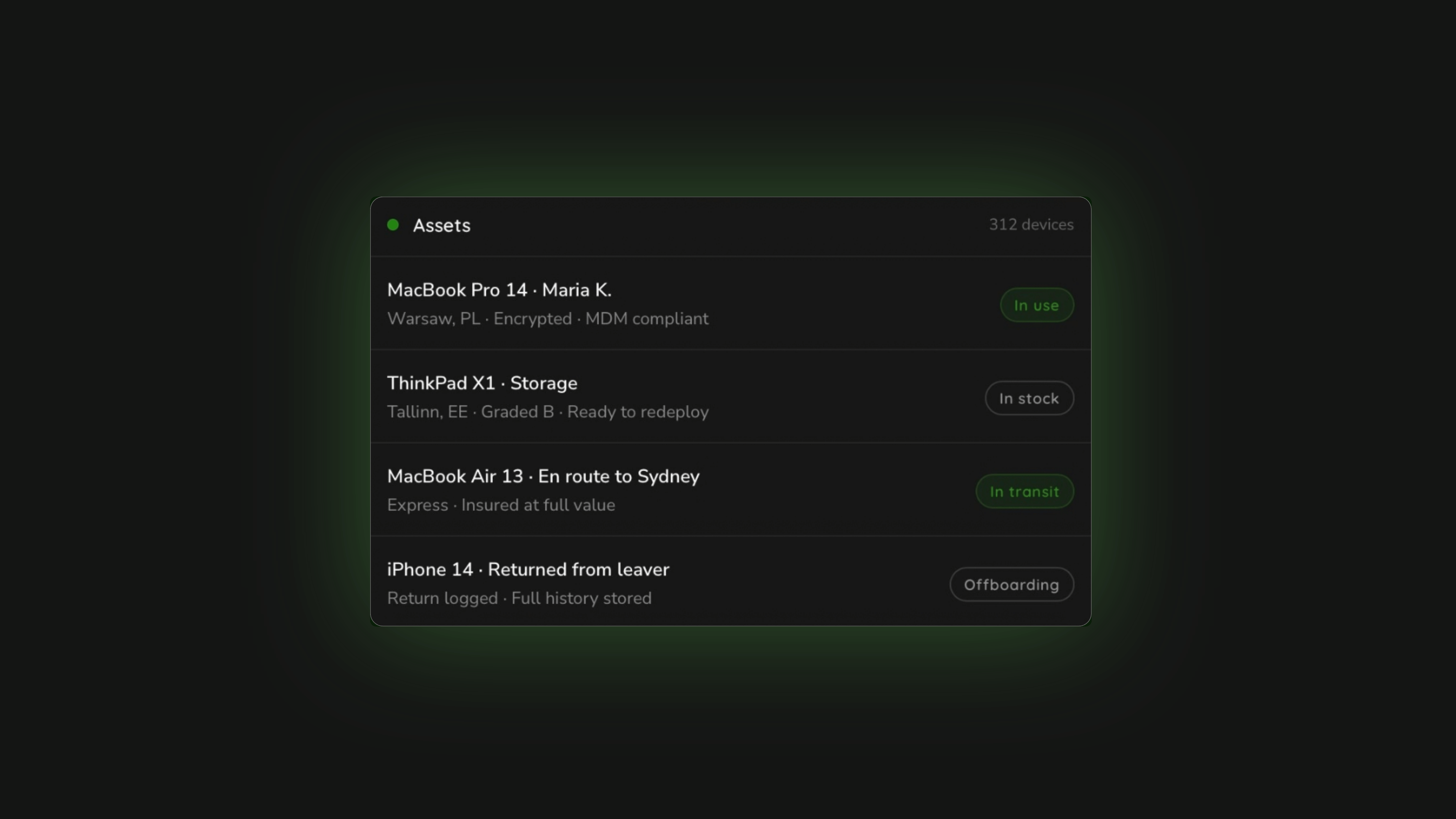
- Asset record is updated to "in retrieval" and then "returned" or "written off" based on outcome.
Integration Options by HRIS Platform
| HRIS | Native IT Integration Options | Best Approach for Device Triggers |
|---|---|---|
| Rippling | Deep native IT integration (MDM, SSO, device management built in) | Device management is native; use Rippling's own IT module for provisioning triggers. Pair with Raal for international logistics layer. |
| Workday | Enterprise integrations via Workday Studio and third-party connectors | Use Workday webhooks or an iPaaS (Zapier, Make, Workato) to trigger IT notifications on hire/departure events. |
| BambooHR | Webhooks for employee status changes; API access available | BambooHR webhooks can trigger IT notifications directly. Use Zapier or Make to route events to your IT tool or logistics service API. |
| HiBob | Webhooks, API, and Zapier integrations | HiBob's "Bob API" supports employee lifecycle event triggers. Connect to IT workflow via webhook or iPaaS. |
| Personio | Webhooks and API; popular with European SMBs | Personio webhooks support onboarding/offboarding events. Route to IT tool or Raal API for device triggers. |
| Deel | Native Deel IT module; integrations with external ITAM tools | If using Deel IT, hire/departure triggers are native. If using Raal or another logistics service, use Deel's webhook API to send departure events. |
If You Do Not Have a Native Integration: The Manual Protocol
Not every team has the engineering resource to build API integrations between HR and IT. For teams without a native integration, a well-designed manual handoff protocol catches most failures. It is less elegant than automation but far better than relying on memory.
The minimum viable HRIS-to-IT handoff
The handoff should be a standardised notification that HR sends to IT (via a dedicated Slack channel, email alias, or ticketing system) every time an employee is confirmed as a hire or a departure. It should contain:
- For new hires: Full name, start date, current delivery address (confirmed with the employee directly), country, role (for device spec), manager contact.
- For departures: Full name, last working day, current location (not address on file from hire), device serial number or asset ID, reason code (resignation vs termination, since this affects retrieval approach).
The SLA attached to this notification is what makes it work. HR must notify IT a minimum of 14 business days before an international hire's start date, and within 24 hours of a confirmed departure. These timelines should be written into the onboarding and offboarding process documentation, agreed between HR and IT, and reviewed quarterly.
The address trap: The most common information failure is using the address on file from the hire rather than confirming the employee's current delivery address. People move. An employee hired 8 months ago may have relocated. Always confirm the delivery address directly with the employee, not via the HRIS record, within 7 days of the planned shipment.
Related: IT Device Management Checklist for HR and People Ops Teams
The Raal API: Connecting Device Logistics to Your HRIS Event
Raal's platform includes API access for subscription tier customers, which allows HRIS events to trigger device logistics actions directly. When a new hire is confirmed in BambooHR, a webhook can call the Raal API to initiate a provisioning order. When a departure is confirmed in HiBob, a webhook can trigger the retrieval workflow.
This removes the IT coordination step entirely for standard cases. The HRIS event fires, the logistics action starts, the tracking information flows back to the HRIS record. IT only needs to intervene for non-standard situations (unusual countries, complex customs scenarios, sensitive offboarding).
API access is available on Raal's Pro tier and above. The API documentation is available at help.raal.io. Integration setup for common HRIS platforms typically takes 2-4 hours with a developer. See pricing tiers.
What Good Looks Like: The Connected Workflow in Practice
A well-connected HR-to-IT workflow for a global team looks like this in practice:
Monday morning: HR marks a new hire as confirmed in HiBob with a start date of August 4 and an address in Amsterdam. The webhook fires. Raal receives the new order via API. IT receives a notification. No email required, no Slack message, no one has to remember.
Tuesday: Raal ships the device from the company's central stock. Customs documentation prepared. DDP shipping to the Netherlands. Tracking link sent to the employee directly.
Thursday: Device delivered to the employee in Amsterdam. Asset record updated in IT tracking system. Status in HRIS updated to "device provisioned."
August 4: Employee logs in. MDM enrollment completes. Day one, no drama.
Three months later: The employee resigns. HR marks the departure as confirmed in HiBob with a last day of September 30. The webhook fires. Raal receives the retrieval order. Packaging is dispatched to Amsterdam. Employee is contacted directly. Pickup scheduled at their convenience.
October 2: Device collected. In transit to the company's central stock. Asset record updated to "in retrieval." HRIS record updated to "device returned."
October 5: Device arrives. Wiped, tested, redeployed to the next hire.
That is the loop. Closed, automated, auditable, and not dependent on anyone remembering to do anything.
Related: IT Onboarding Checklist for Remote Employees: Every Step, Every Country
Related: How to Build an IT Offboarding Process That Actually Works
Related: The Day-One Device Problem: Why Remote Hires Are Still Waiting for Laptops in 2026
FAQ
What is HRIS integration with IT device management?
HRIS integration with IT device management is the connection between your HR system (BambooHR, HiBob, Workday, Rippling, Personio, Deel, and others) and the system or service that handles physical device provisioning and retrieval. When an employee is hired or departs, the HRIS generates an event (hire confirmed, departure confirmed) that automatically triggers an IT action (device order, retrieval initiation). The integration removes the manual step of someone in HR remembering to notify someone in IT.
Which HRIS platforms have native IT device integrations?
Rippling is the most deeply integrated, with a native IT module that handles MDM, SSO, and device provisioning as part of the HR platform. Deel has a native Deel IT module. Other platforms (BambooHR, HiBob, Workday, Personio) support webhooks and API access that allow IT notifications to be triggered, but require either a native integration from the ITAM tool or a middleware solution (Zapier, Make, Workato) to route the event to the IT system.
How do you trigger an IT device order from a BambooHR hire event?
BambooHR supports outgoing webhooks that fire when specific field values change (for example, when "Status" changes to "Active" or when a hire date is set). You can use Zapier or Make to receive this webhook and create an action (for example, a Raal API call to initiate a provisioning order, or an email to IT with the new hire's details). For teams using Raal's API, the BambooHR webhook can directly trigger the device shipment workflow.
What information does IT need from HR to provision a device for a new hire?
At minimum: full name, confirmed start date, confirmed delivery address (verified directly with the employee, not from the HRIS record), destination country, and role (for device specification). For international hires, IT also needs to know whether the employee has any upcoming international travel before the start date that would affect delivery address. The notification should arrive at least 14 business days before the start date for international hires.
What should the HRIS record when an employee returns a device?
The HRIS offboarding record should include the device asset ID or serial number, the return status (returned, in transit, not yet initiated), and the confirmed return date once the device is received. This data feeds into asset tracking and ensures the device is available for redeployment. HRIS platforms that integrate with ITAM tools (Rippling, and others via API) can pull this status automatically. For manual workflows, IT should update a shared record or notify HR when the device is confirmed received.
About Raal: Raal handles IT device logistics for global teams, with API access available on subscription tiers for HRIS integration. New hire provisioning and departure retrieval can be triggered directly from your HRIS via webhook. See API access options.