
TABLET RETURN GUIDE
Packing instructions for tablet
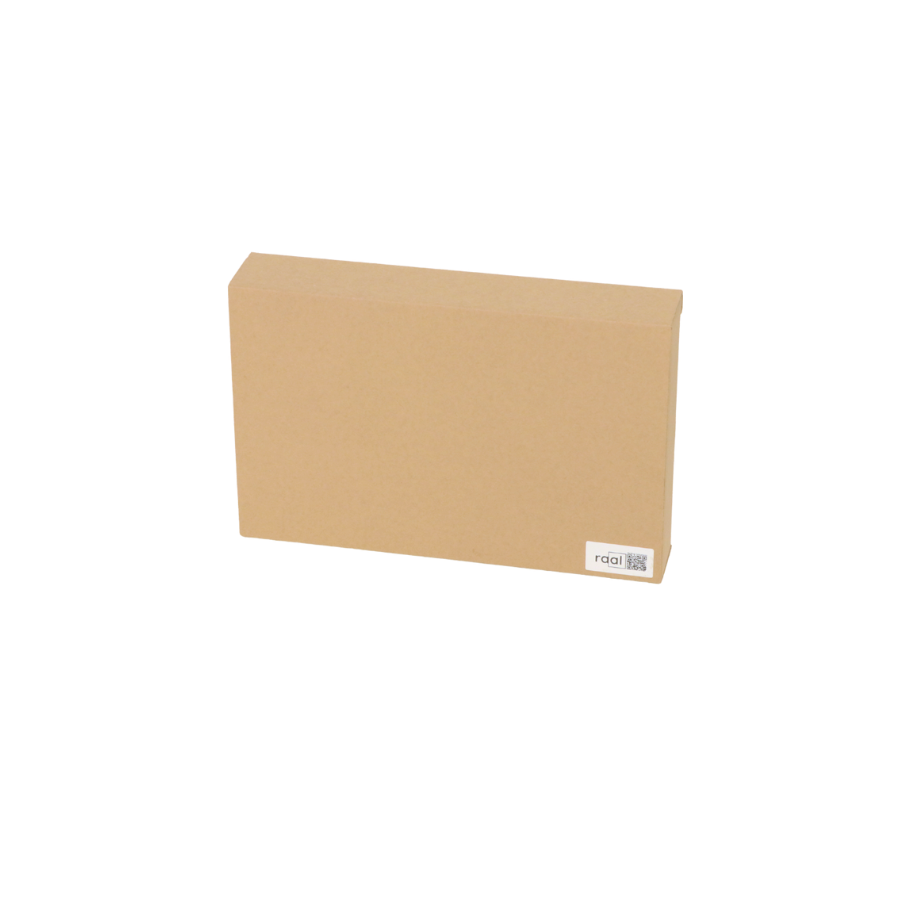
With the box delivered to the collection point by Raal
What is included in the tablet transport box?
• Universal box for safe tablet (size up to 15") delivery
• Prepaid shipping label
Step-by-Step Packing instructions:
1
Ensure the tablet is turned off 2
Open the tablet transport box delivered to your doorstep 3
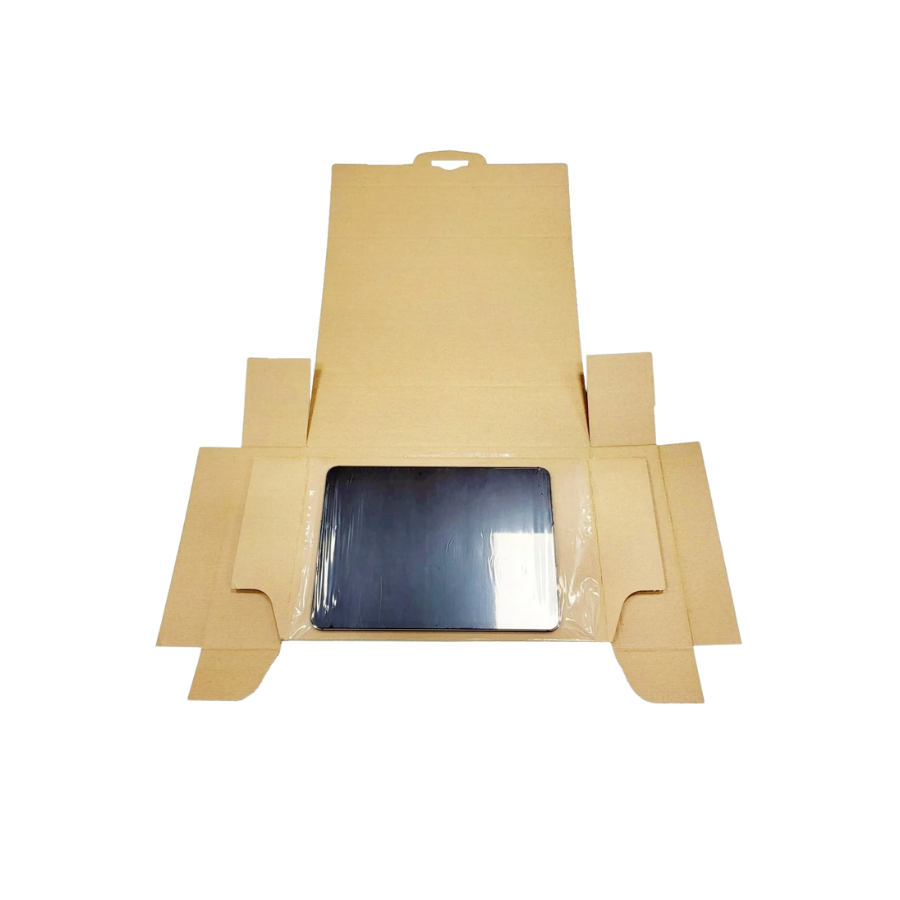
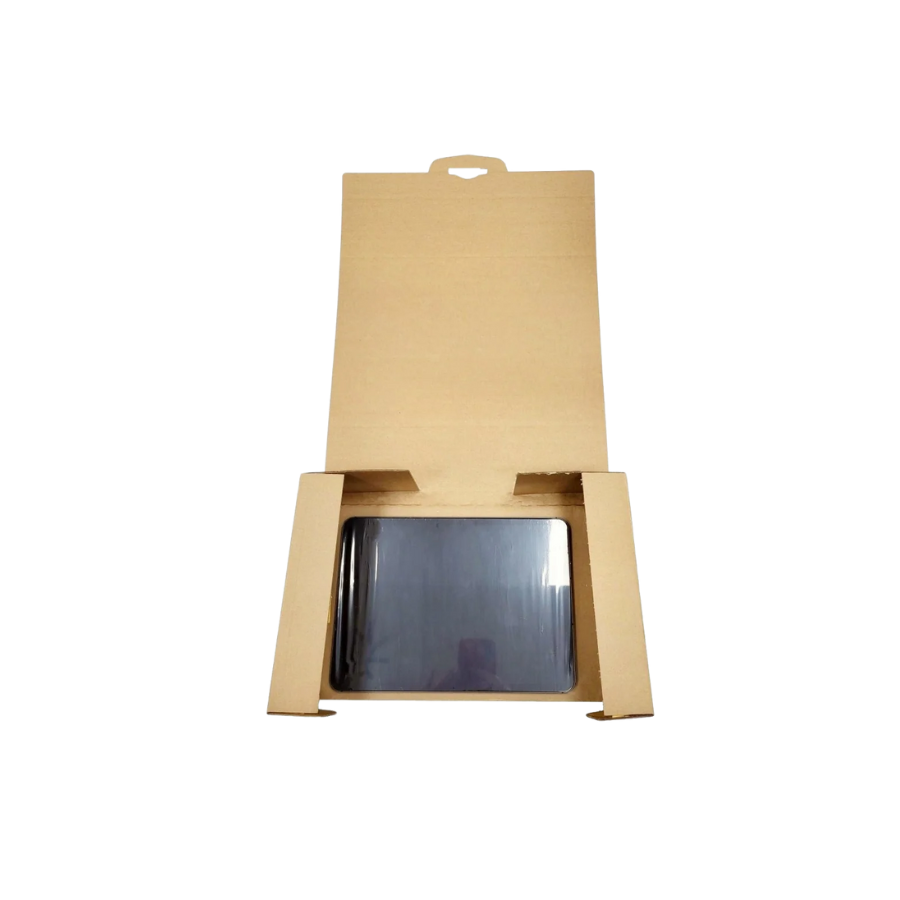
Insert the tablet into the pocket with flexible film 4
Fold the edges of the pocket to secure the tablet from moving during transport 5
If you have the charger cable, place it on top of the tablet and seal it with tape to avoid movement during transport 6
Make a picture to show that the tablet is properly packed. This picture is needed for insurance if something happens during transit. 7
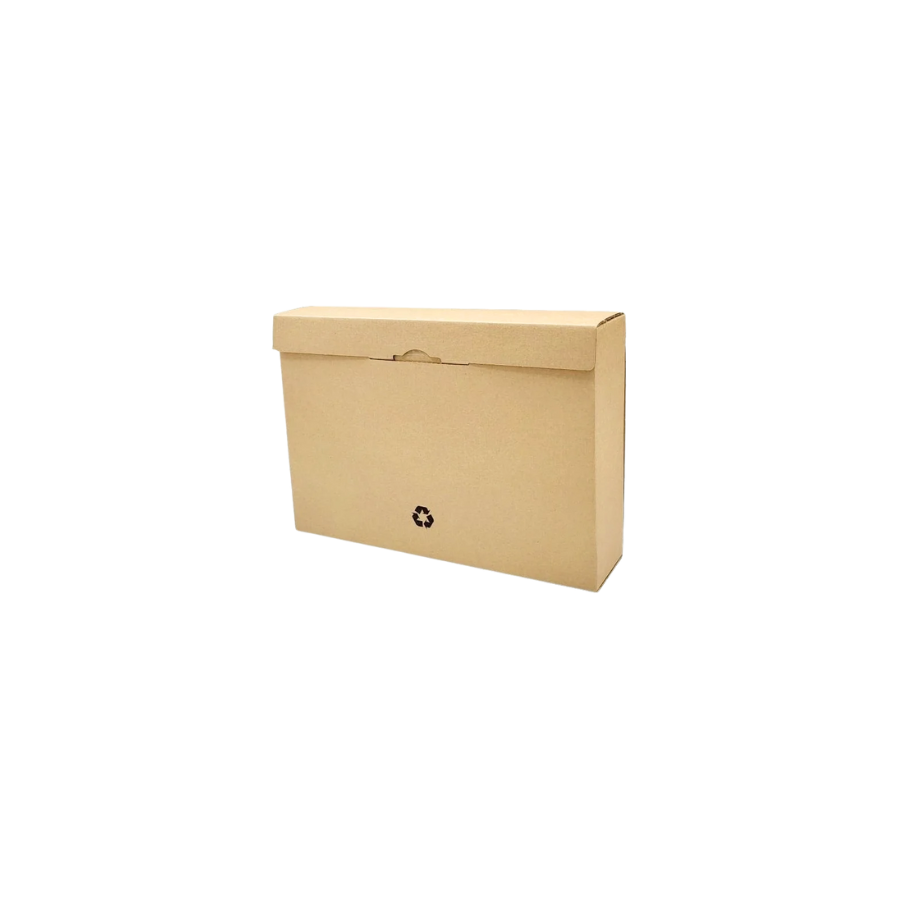
Seal the transport box 8
Paste the shipping label included in the box on top of the old shipping label 9
Your tablet is now packed and ready for shipment Need to ship a laptop instead?
View our laptop packing instructions for larger devices with dedicated charger compartments.
How do I notify Raal to arrange shipment after the tablet is packed?
At that point, our customer support representative has already contacted you by email. Let them know by answering an email, and the courier will be on the way to you to pick up the tablet. Contact us if you need immediate assistance.