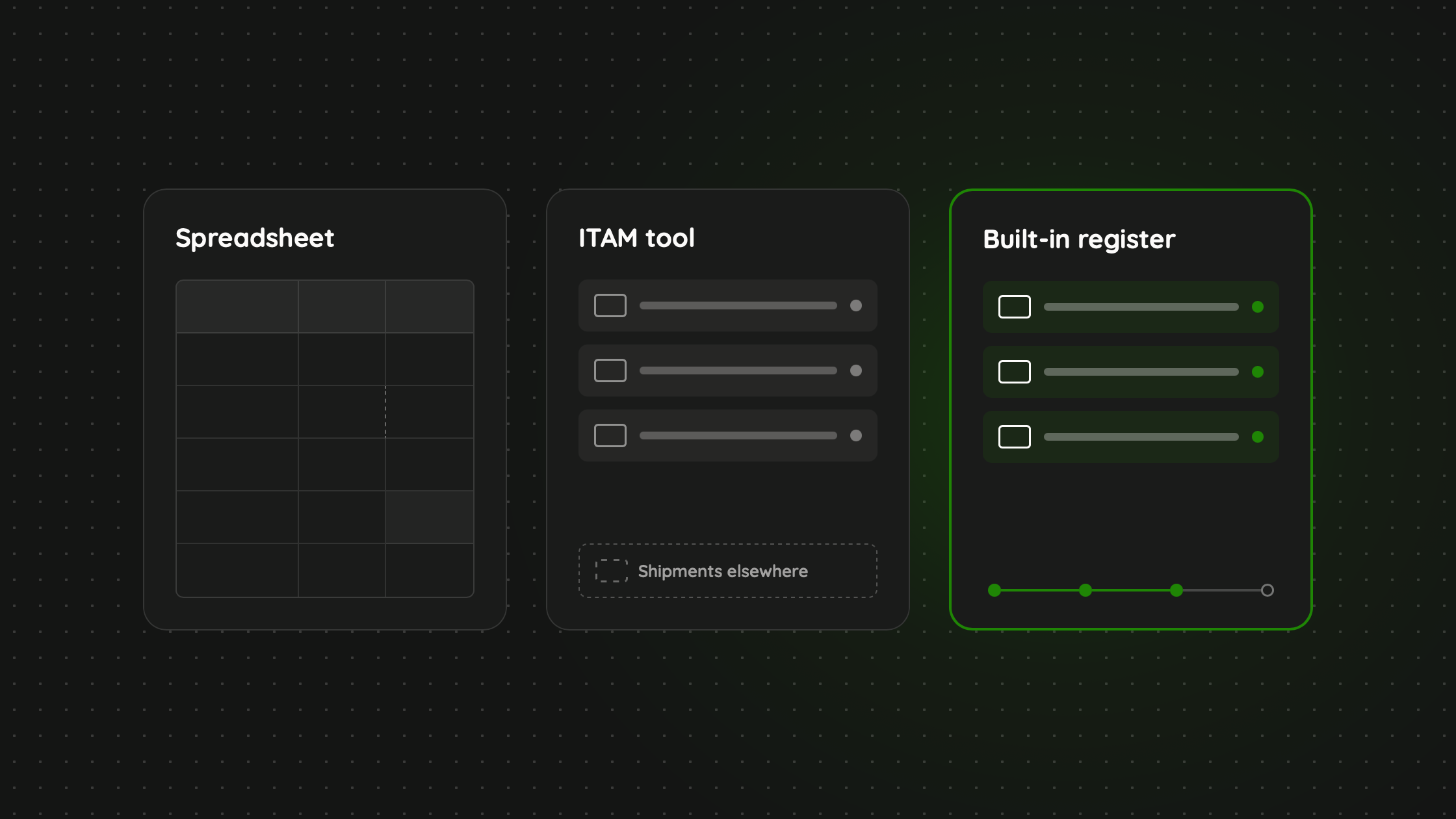
TL;DR A spreadsheet is right for fewer than about 20 devices in one place. A conventional ITAM tool is right for large office fleets that need deep reporting, including software licences. Raal is both ITAM and logistics in one: a dedicated ITAM tool for physical devices that tracks them across their lifecycle, moves them, and sells them, so every shipment updates the record and attaches its own paperwork. A good register answers seven questions: who holds it and where, its state, whether it is in central management, its current value, its age, its documentation, and its history. Raal's register is available from Starter and does not use OPS. It is not an MDM and does not track software licences.
Ask ten IT managers where their device inventory lives and you will get three answers: a spreadsheet, an IT asset management (ITAM) tool, or "somewhere between the MDM and my head." All three work, until the day someone asks a question the record cannot answer. Where is the laptop we sent to Madrid in March? What is it worth now? What paperwork goes with it?
The usual advice is to pick a tool and keep it updated. The harder problem is that physical devices move, and most record-keeping does not know when they do. This article compares a spreadsheet, a conventional ITAM tool, and an ITAM tool for physical devices that also moves, sells and retires them. We make the last one, so we will say plainly where it is not the right choice.
What a Register Has to Answer
Before comparing tools, agree on the job. A device register earns its keep when it can answer seven questions quickly and with evidence.
THE SEVEN QUESTIONS EVERY REGISTER MUST ANSWER
- Who holds it, and where is it? A named person, a country and an address, not a team.
- What state is it in? In use, in stock, in transit, in repair, being returned, lost or retired, and its condition.
- Is it added to central management? Enrolled in your MDM, encrypted, with endpoint protection and a screen lock.
- What is its current value? Not what you paid, what it is worth on the books today.
- How old is it? Purchase date, the date it went into service, when the warranty ends.
- What documentation belongs to it? The invoice, customs papers, insurance, warranty, contract.
- What happened to it, and can you prove it? A history with timestamps an auditor can read.
Questions one to five describe the device as it is. Questions six and seven are about evidence, and they are where most records fail. A record that is correct today but has no paperwork and no history is only half a register.
Option 1: The Spreadsheet
Almost every company starts here, and for good reason. It costs nothing, everyone can open it, and you can build it in an afternoon.
Where a spreadsheet is the right answer
If you have fewer than 20 devices, all of them in one or two locations, and one person who owns the file, a spreadsheet is the sensible choice. Do not buy a platform to track 15 laptops.
Where it breaks
A spreadsheet is a snapshot that depends on a human to keep it current. Someone ships a laptop and forgets to update the row. A returned device sits in a drawer and the file still says "in use." Value is a number somebody typed two years ago. Paperwork lives in email. Six months later the sheet is confidently wrong, and nobody notices until an audit, an offboarding or an insurance claim.
Option 2: A Conventional ITAM Tool
A conventional ITAM tool adds structure: fields for serial numbers, purchase cost and warranty, document storage, and usually an MDM integration that fills in the data automatically. For companies with a large fleet in a few offices, it is often the right backbone, and the depth of reporting is real value.
The gap most teams discover later
A tool that discovers devices through an agent or MDM can tell you a laptop is online and which user is signed in. It cannot tell you that the box is sitting at a customs depot in another country, or that a returned device has been handed to a courier and not yet received. The moving happens somewhere else: in email, with a courier, with a person who then has to go and edit the record. That brings back the spreadsheet problem with a nicer interface. And the work around the device, such as shipping it, clearing customs, collecting it from a leaver and selling it when its life is over, sits outside the tool entirely.
Option 3: Both Together
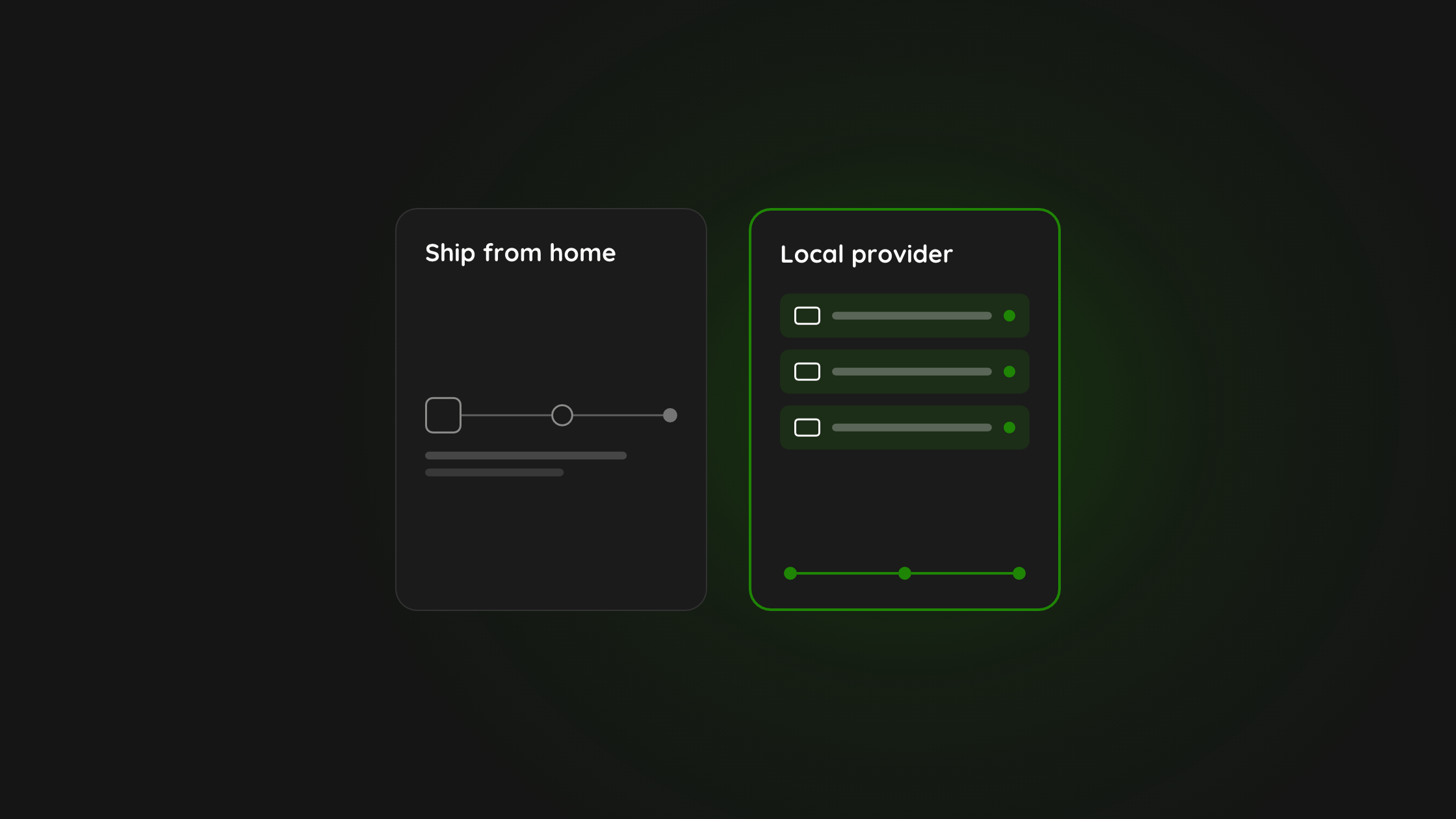
The third option is not a different kind of register, it is options one and two joined to the logistics. That is what Raal is: a dedicated ITAM tool for physical devices that keeps track of them across their whole lifecycle, matches your internal processes, and moves and sells them too. It is built for hardware, not software licences.
The principle: the record and the movement are one system. Every time Raal moves a device, the record changes with it, so nobody has to remember.
How Raal answers the seven questions
| QUESTION | WHERE THE ANSWER LIVES IN RAAL |
|---|---|
| 1. Who holds it, and where? | The holder card and the Location column: the person, their contact details, the country and the address |
| 2. What state is it in? | Eight statuses (Active, In stock, In repair, In transit, Offboarding, Lost, Stolen, Retired) and a condition grade from New to Damaged, with a 0 to 100 score |
| 3. Is it in central management? | An MDM column showing Yes or No, and a Security tab with compliance state, disk encryption, recovery key escrow, endpoint protection and screen lock |
| 4. What is its current value? | The Financial tab: purchase cost, useful life and a depreciated value calculated straight-line, plus a finance export for your accountant |
| 5. How old is it? | Purchase date and a lifecycle strip with four milestones: purchased, assigned, warranty ends, end of life |
| 6. What documentation belongs to it? | The Documents tab: invoices, customs declarations, certificates of origin, insurance, warranties, contracts and manuals |
| 7. What happened, and can you prove it? | An activity trail that records changes with who made them, plus an audit check marked Present or Not found |
It moves devices, and the record follows
From a device's page you can start "Ship to employee" or "Collect from holder", with the device and its address already filled in. An in-transit shipment sets the status to In transit. When a delivery lands, the device becomes Active, the recipient becomes the holder, the location changes to the delivery address and the assignment is dated. A collection returns it to In stock and clears the holder. Packaging, customs and insurance are handled as part of the shipment. When a device is at the end of its life you can sell it through Raal's buyer network.
Getting started
You do not need to have shipped a device through Raal for it to be in the register. Add devices one at a time with the Add asset wizard, where only the model and category are required, or import a CSV, which matches existing devices instead of duplicating them. If your MDM is connected, devices it reports that are not yet in your register appear flagged until you add them properly. Your auditor can be given read-only access.
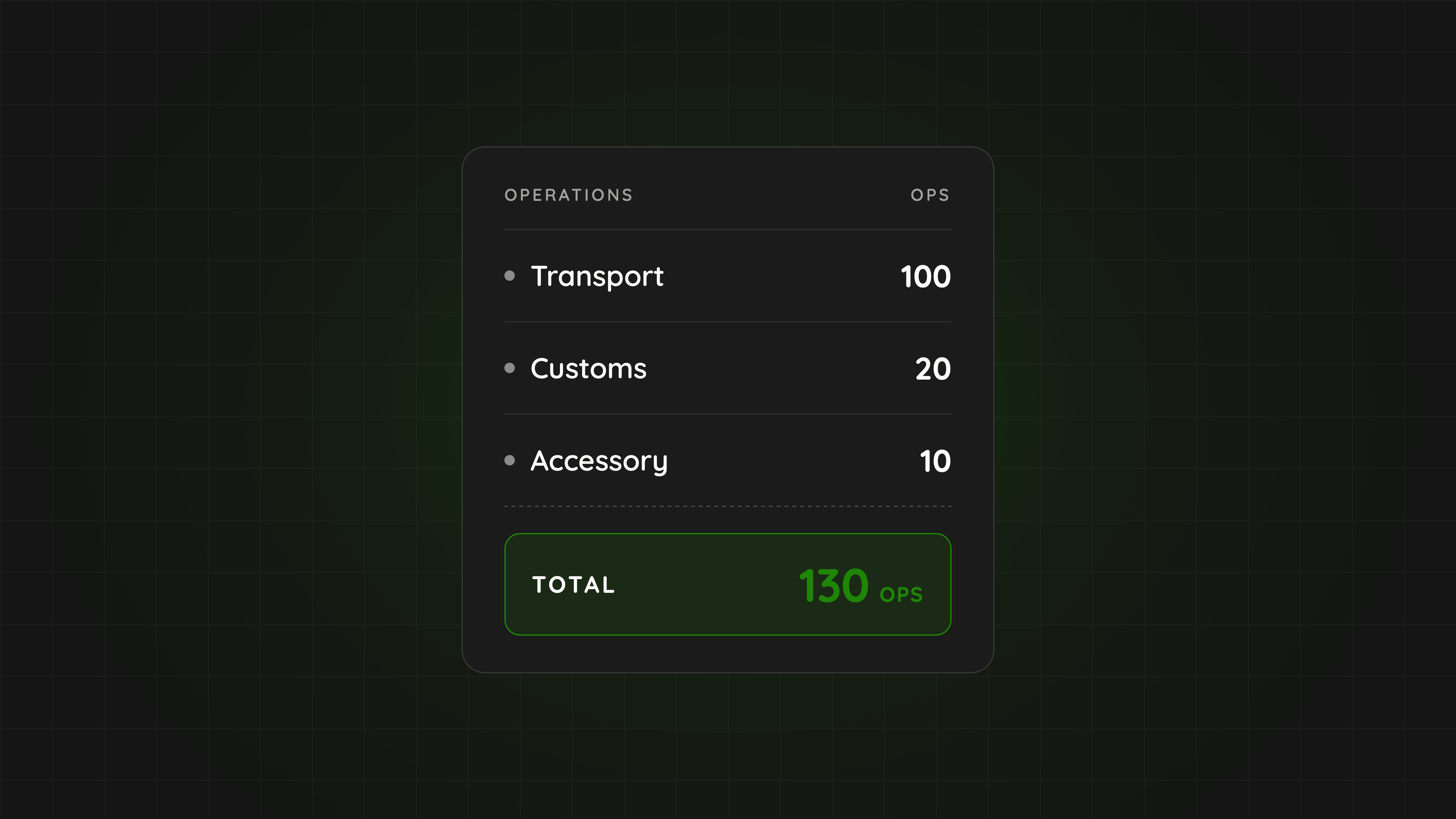
The register, team access and the device-sale buyer network are available from the Starter plan. Using the register does not use OPS, the monthly allowance for operations such as transports, customs clearance and API calls. HR sync, roles, API and AI-assistant ordering start at Pro.
Where it is not the right tool
- It is for physical devices. It does not track software licences, SaaS subscriptions or cloud resources. If you need that, use a tool built for it alongside Raal.
- It is not an MDM. It shows enrolment and syncs information from your MDM, and does not control devices.
- It is not a full ISMS. Certification still needs risk assessments, policies, incident management and internal audits. The register supplies the device evidence.
The Three Options Side by Side
| QUESTION | SPREADSHEET | CONVENTIONAL ITAM TOOL | RAAL: ITAM WITH LOGISTICS |
|---|---|---|---|
| Built for | Anything | Devices and software | Physical devices through their lifecycle |
| Who keeps it current? | A person | MDM sync plus a person | Shipments update it, MDM information syncs in |
| Tracks devices in transit | If someone types it | Rarely | Yes, automatically |
| Current value and age | If you build the columns | Usually | Depreciated value, purchase date, lifecycle milestones |
| Documents on the device | In email | Usually | On the device: invoices, customs papers, insurance |
| Moves and sells devices | No | No | Yes: shipping, customs, collection, buyer network |
| Software licences and SaaS | If you build columns | Often | Not tracked |
| Cost to start | Free | Licence plus setup time | From Starter (€159 a month on yearly billing, €179 monthly) |
| Best for | Under about 20 devices, one location | Large office fleets, licence reporting | Teams whose devices move across countries |
How to Choose
If you have fewer than 20 devices and rarely ship
Use a spreadsheet and give one person ownership. Add a column for the date of last verification and a rule that no row is older than 90 days without a check.
If your fleet is mostly in offices and you need software and licence reporting
Choose a conventional ITAM tool for that job. If part of your fleet is remote and crosses borders, use Raal for the physical devices so their movements are not typed by hand.
If your team is distributed and devices move often
Start with the tool that moves them. Ask how often a device changes hands or country. Once that is more than a handful of times a quarter, manual upkeep becomes the weakest link.
If an audit is coming
The register matters less than the evidence behind it. Auditors working to ISO 27001 look for a maintained asset inventory with ownership and a record of handling, along the lines of controls 5.9 to 5.11. Whichever option you choose, test it with one device.
A Practical Test You Can Run This Week
THE FIVE-MINUTE REGISTER TEST
- Pick three devices at random. One in use, one recently returned, one in transit or storage.
- Answer the seven questions for each. Holder and location, state, central management, value, age, documents, history.
- Time yourself. Anything over five minutes per device means the register is not audit-ready.
- Count the manual steps. Each place where a person had to type or search is where the record will drift next quarter.
- Fix the process before you switch the tool. A new tool will not repair a missing handover step.
In our experience, the most common surprise from this test is not that a device is missing. It is that the device is fine and the evidence is not. The laptop is exactly where it should be, but nobody can show how it got there or which invoice goes with it.
Our Recommendation
Do not buy an asset platform because an audit scared you, and do not keep a spreadsheet because it is free. Match the tool to how your devices actually behave. If they stay still, track them simply. If they travel, use an ITAM tool that moves them, so the record keeps itself true.
Explore Raal's asset management
Read the Asset Management guides in the Help Center
Related: How Raal's IT asset register works
Sources and where to check the numbers
- Raal asset management
- Raal Help Center: Asset Management
- How Raal's IT asset register works
- Raal pricing page
- ISO/IEC 27001:2022 overview (ISO)
Pricing last verified on 11 October 2026 against raal.io/pricing and the Raal Help Center. Plans and OPS prices can change, so treat the pricing page as the source of truth.
FAQ
Is a spreadsheet enough to track company laptops?
For fewer than about 20 devices in one or two locations with a single owner, yes. It stops working when devices move often, cross borders, or when you need proof of handover and paperwork for an auditor.
What questions should an IT asset register answer?
Who holds each device and where it is, what state and condition it is in, whether it is added to central management (MDM), what its current value is, how old it is, what documentation belongs to it, and what happened to it over time with proof.
How does Raal work out the current value of a device?
The Financial tab shows purchase cost, useful life and a depreciated value that is calculated straight-line from purchase cost over useful life. Useful life comes from the device, then your company default, then four years. A finance export gives your accountant the figures.
What is the difference between a conventional ITAM tool and Raal?
Both keep a device record with holder, status, value and documents. A conventional ITAM tool is often strongest on software licences and deep reporting. Raal is an ITAM tool for physical devices that also moves, collects and sells them, so every shipment updates the record and attaches its own paperwork.
Does Raal replace an MDM?
No. Raal shows whether a device is enrolled in device management and syncs information from your MDM, but it does not control devices. It also does not track software licences, SaaS subscriptions or cloud resources.
Can I put devices in the register that Raal never shipped?
Yes. Add devices one at a time with the Add asset wizard, where only the model and category are required, or import a CSV. Later shipments and returns through Raal update those records.
Which Raal plan includes the asset register, and does it use OPS?
The asset register, team access and the device-sale buyer network are available from the Starter plan. Using the register does not use OPS, which are used by operations such as transports, customs clearance and API calls.
About the author: Andres Kõiva is the founder of Raal. He has run Raal's device logistics since the first shipment and answers many pricing questions personally. Connect on LinkedIn.
About Raal: Raal is the IT device lifecycle platform for distributed teams: shipping, returns, customs, insurance and a live asset register in one place. See pricing.