TL;DRZero-touch deployment means an employee receives a device, powers it on, and it is already configured. No IT visit required. It works through Apple DEP, Windows Autopilot, or equivalent MDM pre-enrollment. But every guide about zero-touch stops at the software layer. The physical layer, getting the device to the employee across international borders, correctly enrolled, undamaged, on time, is where most remote deployments actually break. This article covers both layers.
Zero-touch deployment is one of those terms that sounds like a solved problem. The concept is elegant: a device ships sealed to an employee's address, they power it on, it connects to your MDM, pulls down your policies, installs your applications, and they are ready to work. Nobody from IT needs to physically touch the device. Day one is seamless.
In practice, zero-touch deployment has two layers, and almost every guide covers only one of them.
The software layer is well-documented. Apple Business Manager, Windows Autopilot, Jamf, Kandji, Mosyle, Intune: the tools are mature, the documentation is thorough, and for a US-based company shipping to US employees, it is largely a solved problem.
The logistics layer is where things break. Who sources the device? How does it arrive at an employee's address in another country without hitting a customs hold? Who verifies the MDM enrollment before the device ships? What happens if the employee's address has changed since they were hired? What if the device arrives and the MDM enrollment fails?
This article covers both layers, because zero-touch only works when both work.
What Is Zero-Touch Deployment?
Zero-touch deployment (also called zero-touch provisioning or hands-free deployment) is an IT provisioning approach where devices are configured and enrolled in a company's management system automatically, without requiring a member of the IT team to physically handle or configure the device before it reaches the employee.
The process relies on cloud-based device enrollment programs that link a device's serial number to an organisation's MDM before the device is ever unboxed. When the employee powers on the device for the first time, it connects to the internet and automatically pulls down the organisation's configuration.
The result: IT does not ship a pre-configured device. A vendor ships a factory-sealed device to the employee's address. The configuration happens automatically on first boot.
How Zero-Touch Deployment Works: The Software Layer
The software mechanism differs slightly between Apple and Windows devices, but the principle is the same.
Apple Devices: Apple Business Manager and DEP
Apple's Device Enrollment Program (DEP), managed through Apple Business Manager (ABM), allows organisations to link specific device serial numbers to their MDM. When a device is purchased from an Apple Authorised Reseller or directly from Apple and linked to ABM, it is tied to the organisation. On first boot, the device checks in with Apple's activation server, discovers it is enrolled in the organisation's ABM account, and is directed to the MDM for configuration.
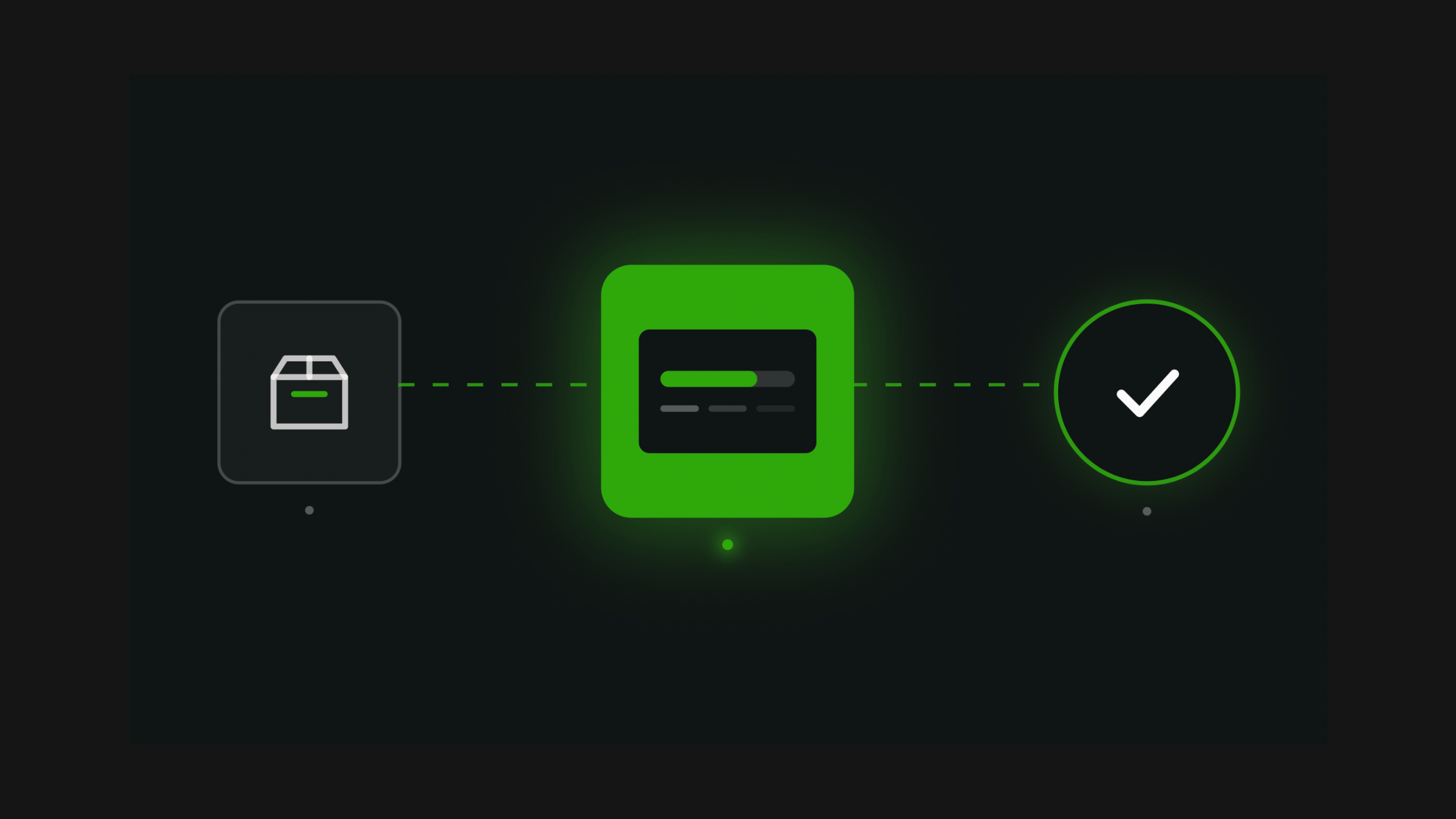
1
Device is purchased from an authorised vendor. Serial number is registered to the organisation's Apple Business Manager account.
2
ABM is configured to assign new devices to the organisation's MDM (Jamf, Kandji, Mosyle, Intune, or similar).
3
Device ships to the employee, factory-sealed.
4
Employee powers on the device and connects to Wi-Fi.
5
Device contacts Apple's activation server, is redirected to the MDM. Configuration profile is downloaded automatically. Apps install. Security policies apply.
6
Employee logs in with their corporate credentials. Device is ready.
Windows Devices: Windows Autopilot
Windows Autopilot is Microsoft's equivalent. Devices are registered in Autopilot using their hardware hash, which can be provided by the vendor at purchase. The device is then assigned a deployment profile in Microsoft Intune. On first boot and internet connection, the device checks Autopilot, pulls the deployment profile, and configures itself according to the organisation's settings.
Autopilot supports several deployment modes: user-driven (employee sets up their own credentials), self-deploying (no user interaction required, device configures itself fully), and pre-provisioning (vendor or IT does a partial setup before shipment). Pre-provisioning is the closest to a truly hands-off experience for the employee.
What MDM Can Configure Automatically
| Configuration Item | Can MDM Handle It at Zero-Touch? |
|---|---|
| Operating system settings and policies | Yes |
| Required application installation | Yes |
| Wi-Fi and VPN profiles | Yes |
| Email and calendar account setup | Yes |
| Encryption (FileVault / BitLocker) | Yes |
| Security certificates | Yes |
| User account creation | Partial (requires identity provider) |
| Physical device delivery to employee | No |
| International customs clearance | No |
| MDM enrollment verification before shipment | No |
| Employee address confirmation | No |
| Packaging and safe transit | No |
That last column is the gap. MDM is a software tool. It controls what happens after a device connects to the internet. It cannot control how the device gets there.
Where Zero-Touch Deployment Actually Fails
Most zero-touch deployment failures are not MDM failures. They are logistics failures that MDM cannot detect or fix. Here are the four most common.
1. The device was never registered in ABM or Autopilot
This is the most common failure. The device is purchased, it ships to the employee, they power it on, and nothing happens. The MDM enrollment does not trigger because the serial number was never registered in Apple Business Manager or Windows Autopilot.
This happens when devices are purchased from unauthorised resellers, when the registration step was missed during procurement, or when the device was sourced from a previous vendor arrangement that did not include ABM registration. A sealed device reveals nothing about its enrollment status until the employee powers it on, at which point the failure is visible only to the employee, on their first day.
Prevention: Verify enrollment status before the device ships. Ask your vendor to confirm the serial number is registered in ABM or Autopilot. If you use a logistics partner like Raal, this verification step can be built into the pre-shipment process.
2. Customs holds the device before it reaches the employee
Zero-touch deployment in a US-only environment rarely encounters customs. Zero-touch deployment for a team with employees across Europe, LATAM, and Asia encounters customs constantly.
When a device is held at customs, even briefly, the zero-touch experience breaks. The employee's start date passes. The device arrives late. Day one has already failed before the device is ever powered on.
Customs delays are not random. They are almost always caused by incorrect or incomplete documentation: missing commercial invoice, wrong HS code, undervalued goods, or missing country-specific requirements. None of these are MDM problems. They are all logistics problems.
Related: How to Ship a Laptop Internationally: Customs, Packaging and What Goes Wrong
Related: Moving IT Devices Across Borders: 21 Countries with the Toughest Regulations
3. The delivery address is wrong or the employee has moved
An employee was hired three months ago. Their address was captured in the HRIS at the time of the offer letter. They have since moved. Nobody updated the address in the system.
The device ships to the old address. The zero-touch enrollment is perfectly configured. The device never arrives.
This is a data problem with a logistics consequence. The fix is to confirm the delivery address directly with the employee, not from the HRIS record, within seven days of the planned shipment. This step happens before the device leaves the warehouse. MDM cannot help with it.
4. The device arrives damaged because packaging was inadequate
Zero-touch deployment assumes the device arrives undamaged. A cracked screen or a broken hinge means the employee cannot use the device. The MDM enrollment may be perfect. The device is unusable.
Damage in transit is almost always a packaging failure. Factory packaging is designed for retail, not for international courier networks. Double-walled corrugated boxes with proper foam cushioning are the standard for safe transit. Devices shipped in factory boxes or padded envelopes have significantly higher damage rates.
The Complete Zero-Touch Deployment Process: Both Layers
A true zero-touch deployment for a remote hire in another country requires coordinating the software and logistics layers in the correct sequence.
| Phase | Action | Owner | Layer |
|---|---|---|---|
| T-14 days | New hire confirmed in HRIS. IT notified with address, country, start date. | HR | Process |
| T-13 days | Device identified in inventory. Serial number confirmed as registered in ABM or Autopilot. | IT | Software |
| T-12 days | MDM deployment profile assigned to device. App list and policies configured. | IT | Software |
| T-10 days | Delivery address confirmed directly with employee. Customs requirements for destination country checked. | IT or logistics partner | Logistics |
| T-9 days | Device shipped in appropriate transit packaging. DDP shipping terms. Full replacement value insurance. Customs documentation prepared. | Logistics partner | Logistics |
| T-7 to T-2 | Shipment monitored. Customs status tracked. Employee notified with tracking link. | Logistics partner | Logistics |
| T-1 day | Delivery confirmed. Employee receives "here is what to do on day one" message. | IT | Process |
| Day 0 | Employee powers on device. MDM enrollment completes automatically. Apps install. Employee logs in. | Employee + MDM | Software |
| Day 1-3 | IT verifies MDM enrollment status in dashboard. Asset record created. | IT | Software + Process |
The software layer (steps 2-3) takes roughly an hour of IT setup. The logistics layer (steps 4-7) takes 7-10 business days across an international border and requires customs expertise, appropriate packaging, and real-time tracking. Raal handles steps 4-7 for international hires across 150+ countries.
Related: IT Onboarding Checklist for Remote Employees: Every Step, Every Country
Related: How to Connect Your HRIS to IT Device Management
Zero-Touch Deployment and the MDM You Are Already Using
Zero-touch deployment works with every major MDM. The logistics layer is MDM-agnostic: Raal works alongside Jamf, Kandji, Mosyle, Microsoft Intune, JumpCloud, and others. The device ships with its serial number already registered in your MDM. The logistics partner handles the physical movement. The MDM handles the configuration on first boot.
The handoff point is critical: the MDM enrollment must be set up and verified before the device ships. Not after. Not during. Before. This is the sequencing mistake that causes most day-one failures: the device is shipped, and then someone remembers to set up the MDM profile.
Zero-Touch Deployment for European Teams: Specific Considerations
For teams based in Europe or hiring into Europe, zero-touch deployment has some specific requirements worth knowing.
For Apple devices, Apple Business Manager is available across the EU and EEA. Devices purchased from Apple-authorised resellers in European countries are registerable. VAT on device purchases is reclaimable in most EU countries through standard VAT processes. For UK companies shipping to EU employees post-Brexit, import VAT applies at the destination and should be covered under DDP shipping terms.
GDPR has implications for device management beyond MDM enrollment. Remote lock, remote wipe, and location tracking capabilities in MDM tools must be disclosed to employees and included in data processing agreements. The MDM configuration for EU employees should be reviewed for GDPR compliance, particularly around data collected from enrolled devices.
Related: UK Import VAT and PVA: How to Reclaim VAT on International Device Shipments
Related: IT Equipment Policy for Remote Employees: What to Include
FAQ
What is zero-touch deployment for remote employees?
Zero-touch deployment for remote employees is an IT provisioning approach where a device ships factory-sealed to the employee's address and configures itself automatically on first boot, without requiring any IT team member to physically set up the device. It works through Apple Business Manager (DEP) for Apple devices and Windows Autopilot for Windows devices, both of which pre-register the device's serial number with the organisation's MDM before shipment. The employee receives the device, connects to Wi-Fi, and the MDM handles everything else.
Does zero-touch deployment work for employees in other countries?
The MDM layer of zero-touch deployment works in any country where the device can connect to the internet. Apple Business Manager and Windows Autopilot are both global. The logistics layer, getting the device to the employee's country, is where international complexity arises. Import duties, customs documentation, and lead times vary significantly by country. A device shipped to an employee in Germany, Brazil, and India has three very different logistics processes, even though the MDM configuration is identical in all three cases.
What MDM tools support zero-touch deployment?
All major MDM tools support zero-touch deployment. For Apple devices: Jamf Pro, Jamf Now, Kandji, Mosyle, Microsoft Intune, and JumpCloud all integrate with Apple Business Manager for DEP enrollment. For Windows: Microsoft Intune is the primary tool for Windows Autopilot. JumpCloud and Mosyle also support Windows management. For mixed fleets, Intune and Jamf Pro are the most common enterprise choices. Raal's logistics service is MDM-agnostic and works alongside any of these.
Can zero-touch deployment fail even when the MDM is set up correctly?
Yes. The most common zero-touch failures on a correctly configured MDM are: the device serial number was not registered in Apple Business Manager or Windows Autopilot before shipment; the device was held at customs and arrived after the employee's start date; the device arrived at the wrong address; or the device was damaged in transit. All four of these failures occur in the logistics layer, before the MDM has any opportunity to act. MDM is only involved once the device is powered on and connected to the internet.
How do you verify MDM enrollment before a device ships?
For Apple devices, confirm the serial number appears in the Devices section of Apple Business Manager with the correct MDM server assigned. For Windows, confirm the hardware hash is registered in Autopilot within Intune, and that a deployment profile is assigned. Both checks take less than five minutes and should be done before the device is handed to a courier. This single check eliminates the most common zero-touch deployment failure.
About Raal: Raal handles the logistics layer of zero-touch deployment for distributed teams. Device shipping, customs clearance, MDM enrollment verification, packaging, insurance, and employee communication across 150+ countries. Your MDM handles the rest. Get a live estimate.